📚

A guided story creator for families
Choose the hero, story idea, age, language, and art style. The guided form turns those choices into illustrated pages for a parent to review before reading or sharing.
First step: choose the child and story idea · Parent-controlled experience
Suggested ages 6–8
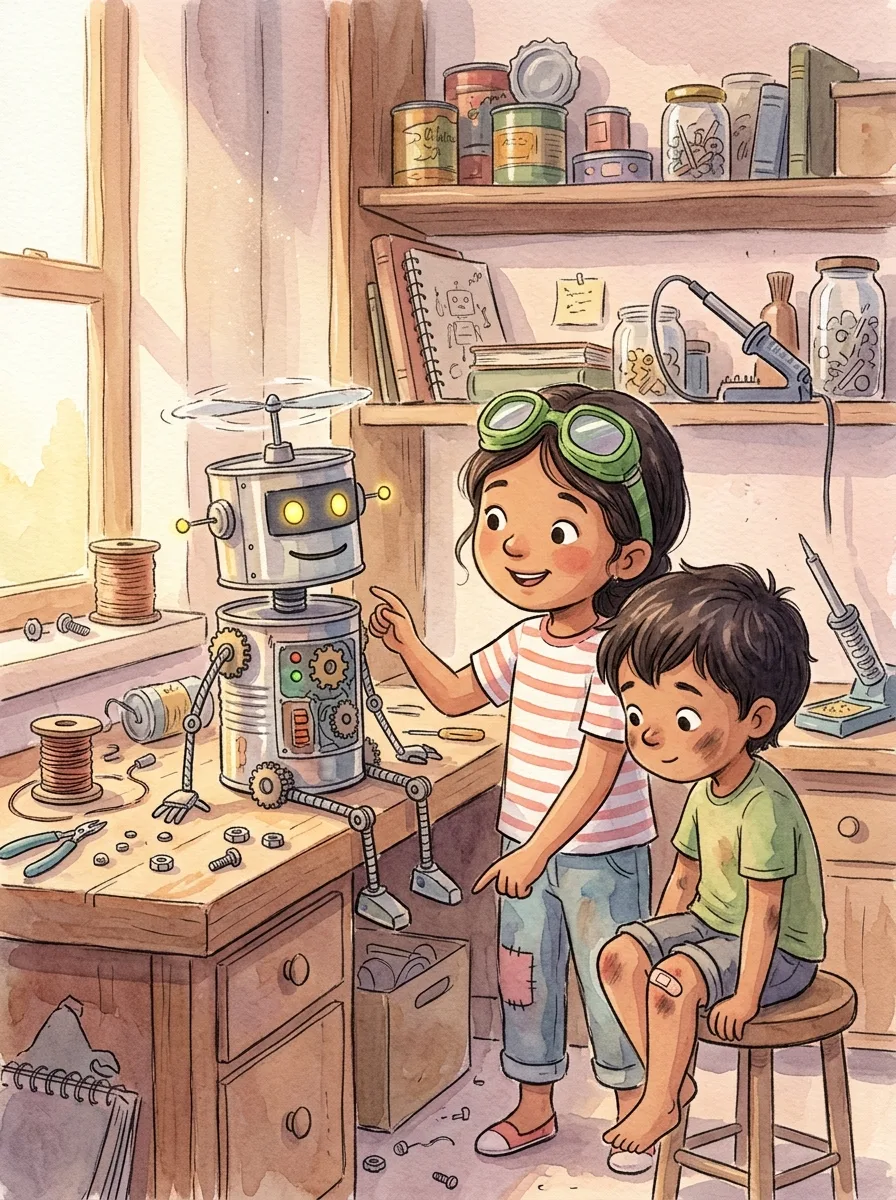
Your child builds a robot out of tin cans and an old fan, and it can sweep, count and beep the alphabet. But when the little cousin falls and cries, the robot just stands there, whirring. Your child shows it how to open its arms slowly and hold on gently. The robot's lights turn from red to warm yellow, and the cousin stops crying.
Story theme: Being clever matters less than being kind
Suggested ages 6–8
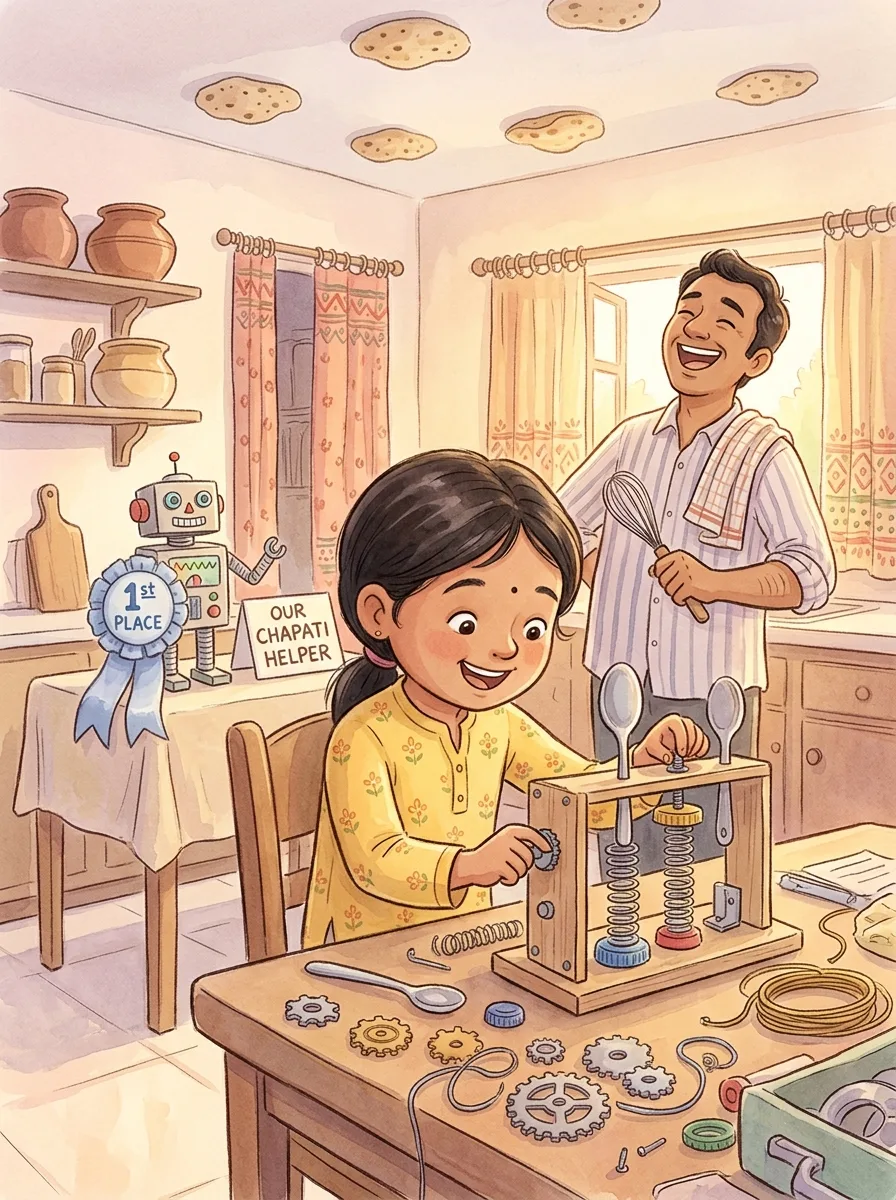
The science fair is tomorrow and Your child's automatic chapati flipper keeps flinging chapatis onto the ceiling. Papa says the best inventors fail forty times. So Your child tries a slower spring, then a wider spoon, then a softer paddle. On the fortieth try, the chapati flips perfectly, and the judges give Your child a ribbon for not giving up.
Story theme: Every wobble is one step closer to working
Suggested ages 6–8
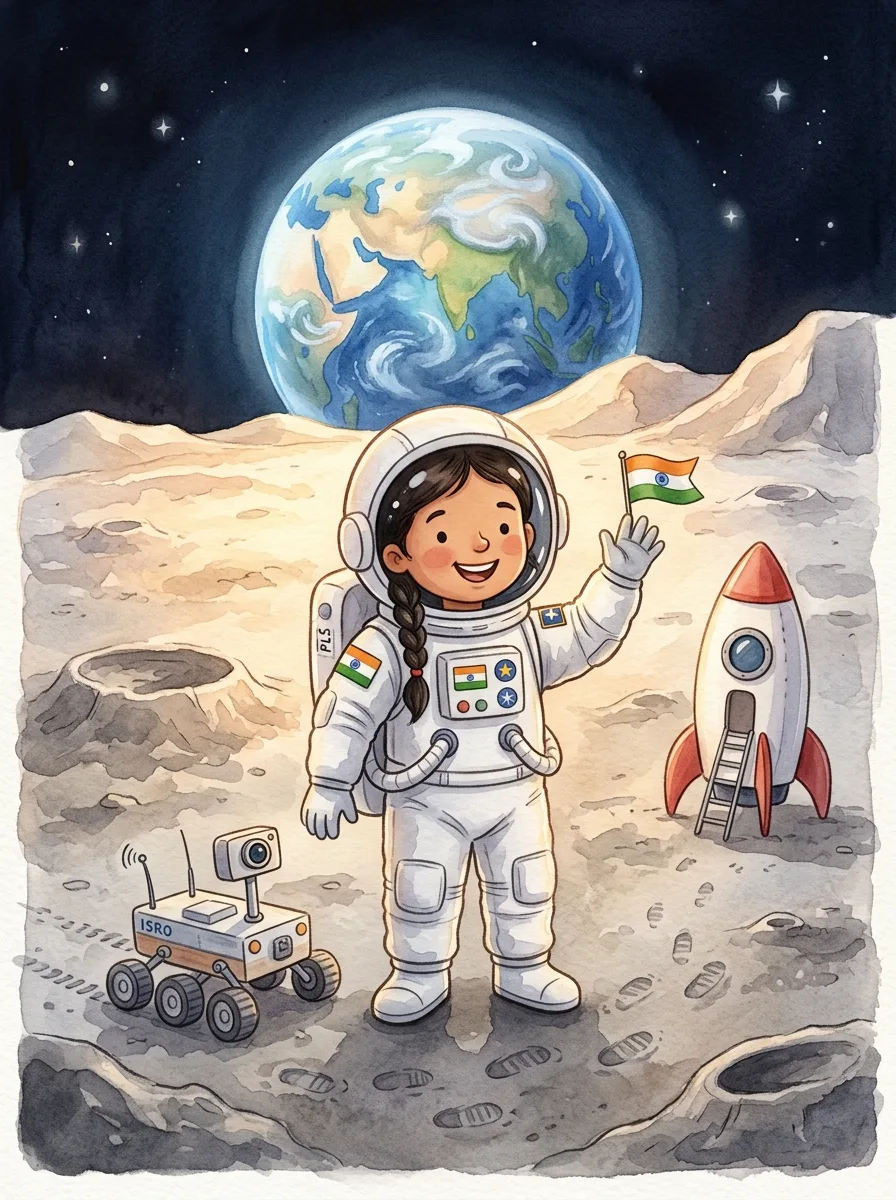
On the moon, a little rover has been rolling in circles for years, taking pictures nobody comes to see. Your child lands, wipes the dust off its camera and shows it the blue Earth rising over the crater. The rover beeps happily and takes the best picture of its life, with Your child waving in the middle of it.
Story theme: Sharing what you see is what makes it wonderful
Suggested ages 6–8
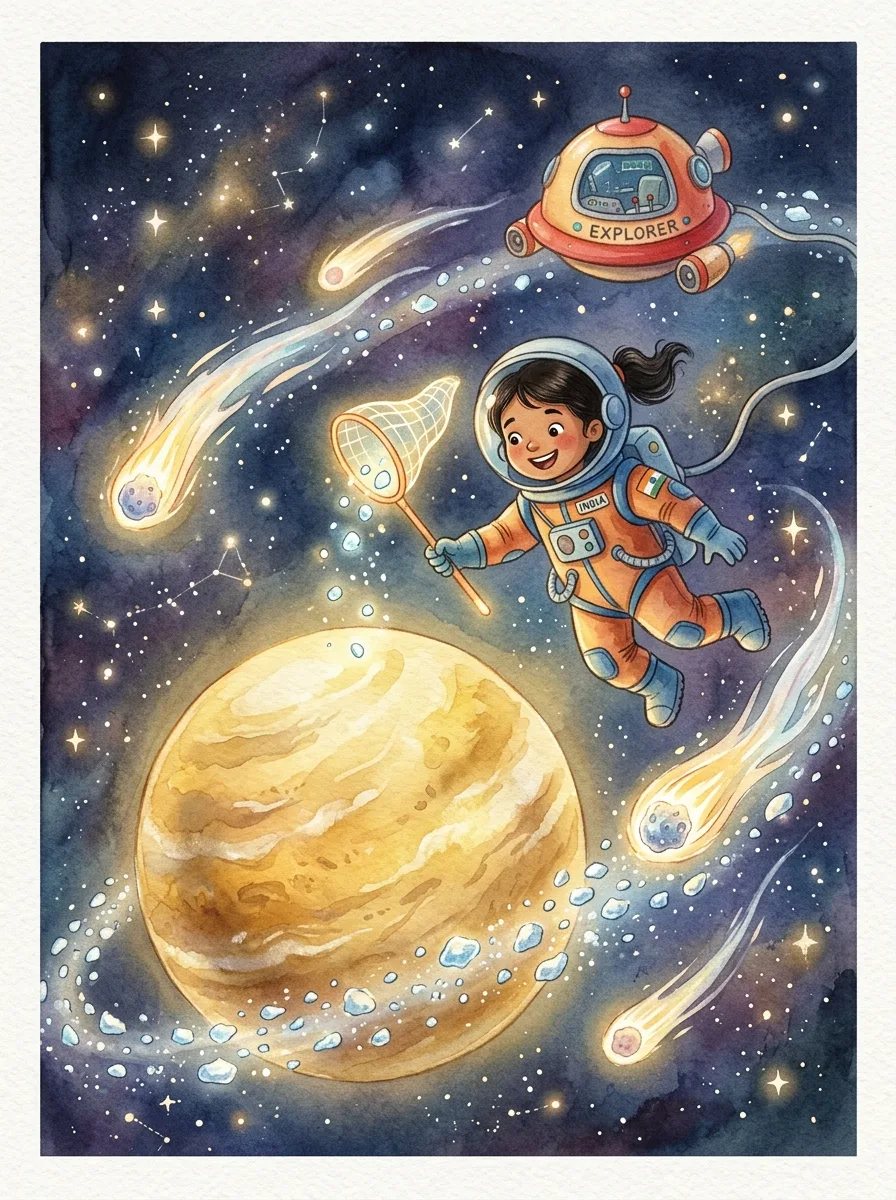
Saturn's ring has scattered into a million icy pebbles and the planet is too shy to ask for help. Your child flies from pebble to pebble, gathering them with a net, and invites the passing comets to push the rest into place. Slowly the ring closes, and Saturn glows brighter than any planet in the sky.
Story theme: Big problems get smaller when everyone pushes together
Nanhe Kissey gives parents a guided AI storybook workflow. Choose a theme, age, and language, then review the illustrated story together.
Choose a direction with prompts and options designed for parents creating stories for children.
Read the finished pages in your browser. Check the story reader for narration options, then return to the book from My Stories.
The generator supports the parent’s choices; it does not replace parental judgment or account control.
Step by step
Choose a theme, adventure, or lesson that fits your child.
Add age, language, character, and art direction details.
Follow the story’s progress as text and illustrations are prepared.
Check names, facts, tone, and image continuity. Completed stories start public; use the story page's control to make one Private.
Questions from parents
Check what is included, how the story works, and what to review before reading with your child.
Parents can create imaginative adventures, bedtime reads, family stories, and stories around themes such as courage, friendship, kindness, and discovery.
No. Choose from guided options and add as much or as little creative direction as you like. The parent remains in control of the child profile and the story experience.
You can choose from available art styles and story directions. Some story formats also support additional illustration or character personalization.
Standard and Premium Stories support PDF export. The 8-page Short Story is for digital reading and does not include PDF download. Review the finished pages and check the selected format before generating.
Start with a hero, an interest, one problem, and the tone: a young mapmaker helps a lost robot reach a garden, with a friendly companion and a reassuring ending. Choose the age, language, and art style in the guided form. A new illustrated character requires a photo and parental consent; a saved, ready character can be reused without another upload.
A new account receives 10 creation credits for a first avatar, an 8-page Short Story, and one extra look, with no card required to begin. Generation time varies with the format and demand; follow progress while the text and illustrations are prepared.
Create a personalized story, choose an adventure, and share a meaningful reading moment together.
Start creating free